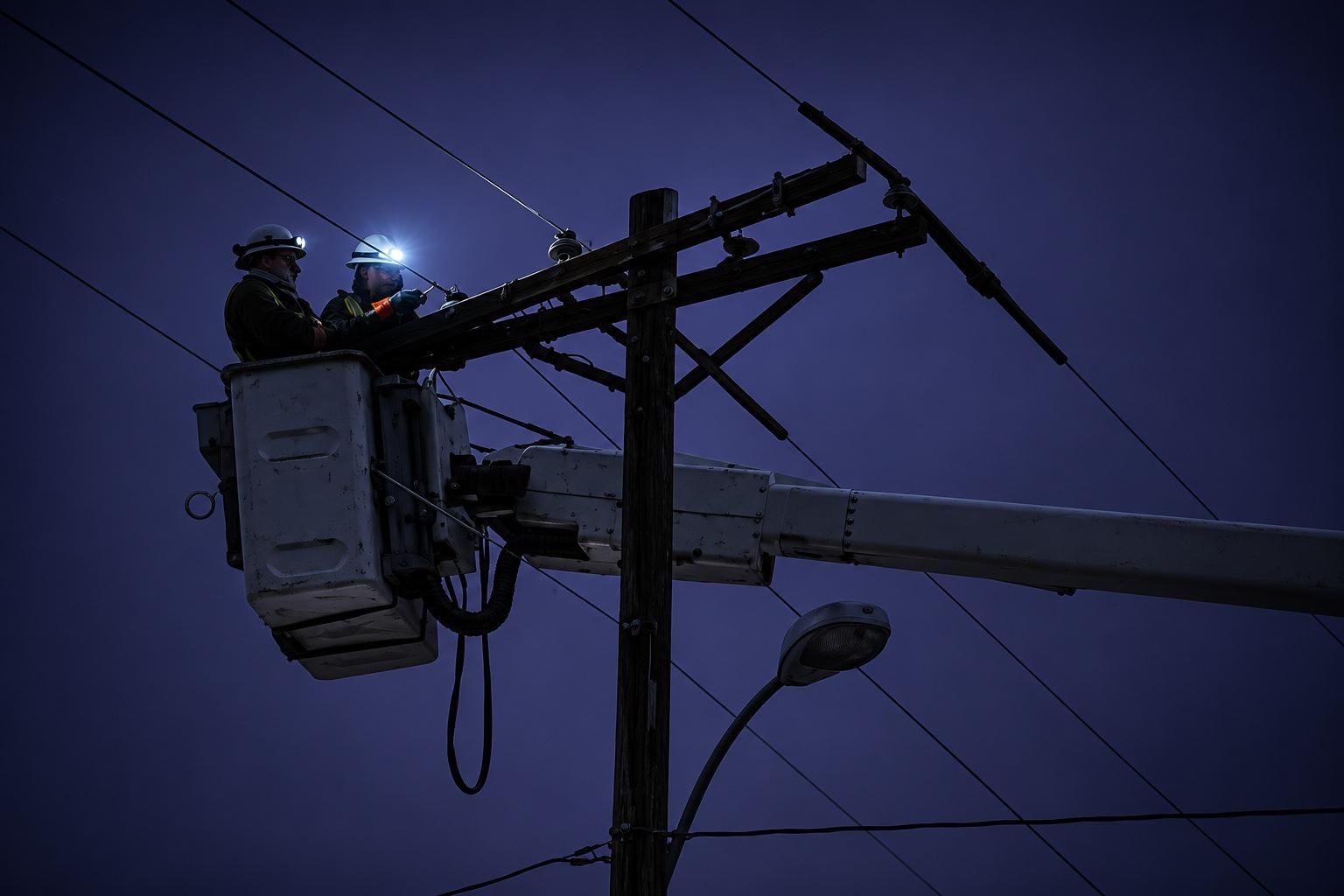
Offline AI for your Mac
AI you can use when the internet goes down.
It all runs on your Mac, so it keeps working with no Wi-Fi or cell signal, as long as you have battery or backup power.
Works on: Mac with Apple Silicon (M1 or newer) · 16 GB memory · About 15 GB free space · Not yet on Windows or Linux
01
AI without internet
Cloud AI apps stop working when the signal does. OffGridAI's AI runs on your Mac, so you can still ask questions in plain words with no connection at all.
Cloud AI
Unable to connect
Check your internet connection and try again.
Retry
> can i drink rainwater i collected off my roof?
Not without treating it first. Rainwater can carry germs and chemicals from the air, your roof and gutters, even when it looks clean. Use bottled or treated water for drinking if you can.
Source: CDC, Collecting Rainwater and Your HealthOffGridAI · runs on your Mac
Same question, no signal. One needs a cell tower. The other searches guides already saved on your Mac and links its answer to the source.
Illustration; real answers vary. Answer based on a CDC web page. CDC does not endorse OffGridAI; the original is free at cdc.gov.
02
Emergency guides, built in
The AI answers from emergency and survival guides saved on your Mac and links each answer to its source. It can still make mistakes, so check the source. Questions it covers today:
- Can I drink rainwater I collected?
- Is my well water safe after a flood?
- Where is it safe to run a generator?
- How do I spot and treat heat exhaustion?
- How should I clean a cut if I can't see a doctor?
- How do I keep insulin usable if the power is out?
- How do I charge and store lithium batteries safely?
- What should I do before a hurricane hits?
- What do I do in a radiation emergency?
- Which two-way radios can I use without a license?
- What should I always carry on a hike?
- What can I do for a bad toothache?
Coverage before launch: 8 topics still being checked
We're confirming we can include the guides for these topics, or replacing them, before launch.
CPR and general first aid · Burns and broken bones · Emergency childbirth · Keeping food safe during an outage · Home canning · Flood, wildfire, tornado and earthquake checklists · Emergency toilets and sanitation · Wilderness survival skills
03
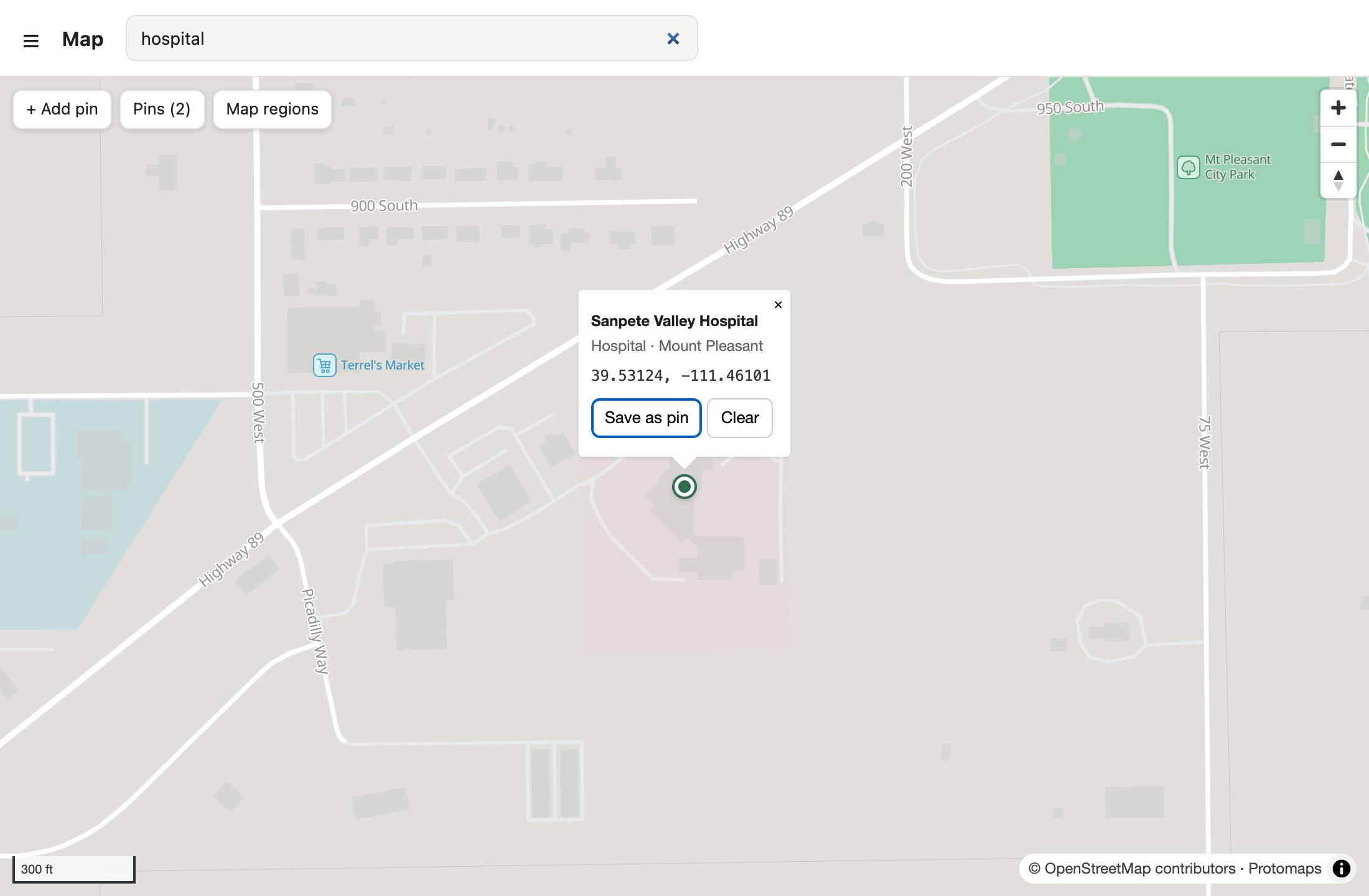
Offline maps
Download street maps for the states you want while you have internet. With no signal, you can still search for hospitals, fuel, springs, trails and campgrounds, or type in coordinates. Street addresses aren't searchable.
What $99 gets you
- The OffGridAI app for your Mac
- Its AI model, downloaded once when you first open it (about 9 GB)
- The saved library of emergency and survival guides
- Offline street maps for any U.S. states you choose, at no extra cost
- Help by email
- No subscription and no account
One payment, no later charges for the app or maps. Update and refund terms will be posted before launch. It isn't out yet, and joining the waitlist is free.
Works on: Mac with Apple Silicon (M1 or newer) · 16 GB memory · About 15 GB free space · Not yet on Windows or Linux
Questions
Does it really work with no internet?+
Yes, once it's set up. The AI, the guides and your maps are all saved on your Mac, so it works with no Wi-Fi or cell signal. It still needs power: it runs as long as your laptop has battery or you have backup power.
Will it run on my computer?+
It needs a Mac with Apple Silicon (M1 or newer) and at least 16 GB of memory. Windows and Linux aren't supported yet. Plan on about 15 GB of free space: the app and its AI take about 9 GB, and offline maps add more depending on which states you pick (about 0.3 GB for a state like Utah, more for big states).
How long does setup take?+
The first time you open it, it downloads its AI, about 9 GB. That's roughly 10 to 15 minutes on a fast home connection and about an hour on a slow one, plus any map states you add. Do it while you have internet. After that it works with no connection.
Where do the answers come from?+
It searches a library of public emergency and survival guides saved on your Mac, such as CDC and FEMA material, and shows which guide each part of the answer came from. Anything it adds from its own training is marked separately, so you can tell the difference.
Can it be wrong?+
Yes. It can misread a guide, miss something, or fill a gap with its own knowledge. That's why it shows its sources: check them, especially for anything medical. If a topic isn't in its library, it should say so.
What about updates and refunds?+
We'll post update and refund terms before launch, before anyone is charged. Joining the waitlist costs nothing.
Can it replace a doctor?+
No. It's for when help is far away or can't be reached. If you can call for help, do that first.